
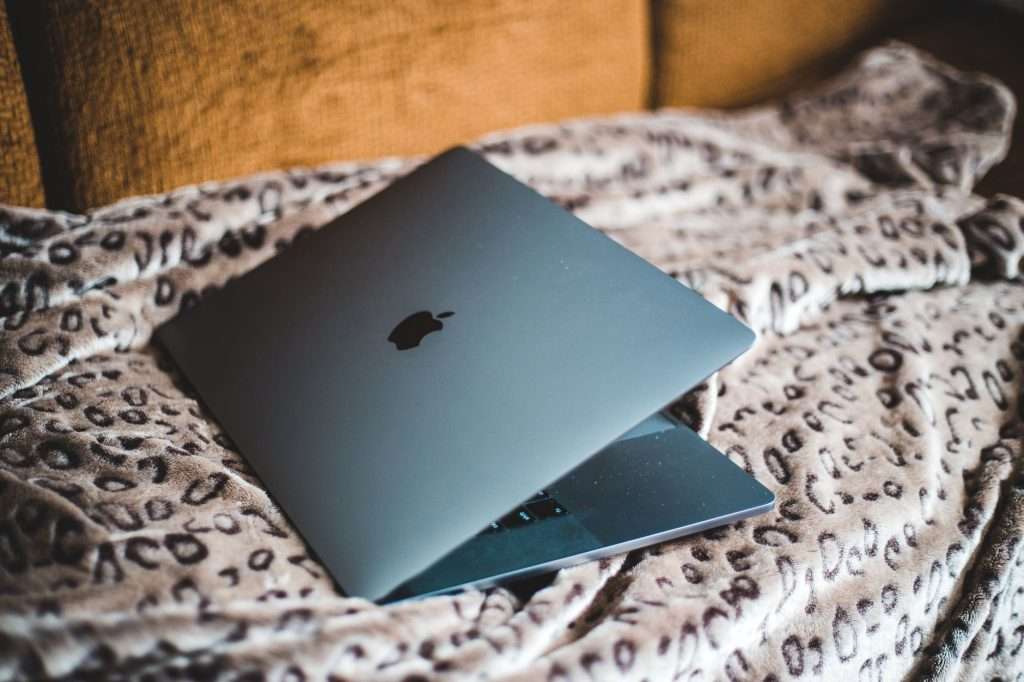
In today’s fast-evolving landscape, understanding Why You Should is essential. Using a MacBook webcam cover can cause unintended mechanical damage because modern laptops feature extremely tight tolerances between the display and the keyboard. Many users place physical sliders over their built-in cameras for peace of mind, but this extra thickness often results in a cracked or scratched retina display when the lid shuts. Therefore, installing a MacBook webcam cover requires careful thought about hardware safety.
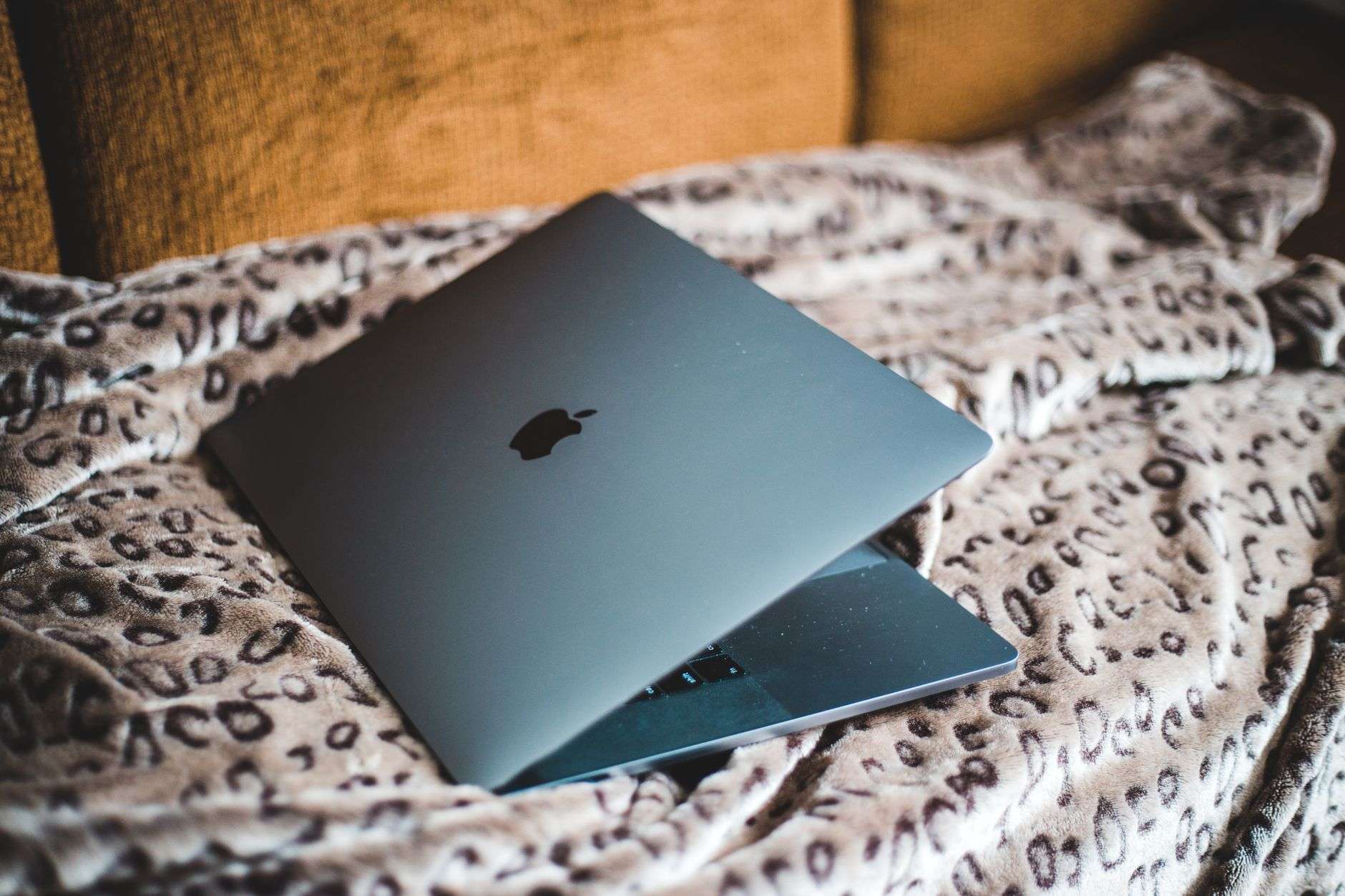
Because Apple designs its hardware with microscopic precision, even a thin plastic slider creates dangerous pressure points. Device owners should weigh privacy habits against expensive hardware repairs. For related hardware maintenance insights, you might also want to read about why upgrading laptop RAM is no longer cheaper to understand how modern laptop components evolve.
Why You Should: Why Does a MacBook Webcam Cover Risk Your Screen?
A physical MacBook webcam cover exerts continuous, localized pressure on delicate glass panels when the laptop is closed. Because engineers design modern displays with almost zero gap, any foreign obstruction places stress directly on the panel. Consequently, routine closing can shatter the glass or leave permanent scratches.
While physical security feels reassuring, the physical toll on expensive hardware often outweighs the benefits. In addition, users frequently forget the slider is attached when packing their computers into tight sleeves. When traveling, external pressure combined with a MacBook webcam cover multiplies the risk of screen failure.
What Are Safer Software Alternatives for Privacy?
Software permissions offer a completely safe alternative to physical barriers for securing your built-in camera. Modern operating systems let you audit and restrict individual applications from accessing your webcam without your direct consent.
Managing software permissions removes the physical risk entirely while maintaining robust privacy safeguards. Furthermore, users can explore broader system settings or check out guides like automating Google Workspace backups made easy to keep digital workflows secure. By trusting operating system controls, you protect both your privacy and your expensive hardware without needing a MacBook webcam cover.

How Else Can You Protect Your Personal Data?
Protecting personal data involves securing your entire digital ecosystem rather than just focusing on camera lenses. Users should review comprehensive security measures across all connected devices to maintain safe habits. Staying aware of potential vulnerabilities keeps your personal information secure against emerging digital threats.
For example, maintaining digital hygiene aligns with physical device care. However, you should always prioritize solutions that do not physically compromise your machine. For more tips on hardware safety, read about 3 household fixes only my 3D printer could solve to see how precision fixes work in practice.
Frequently Asked Questions
Can a MacBook Webcam Cover Really Break a Screen?
Yes, because modern MacBooks are designed with extremely tight tolerances, adding a physical MacBook webcam cover can exert undue pressure on the glass when the lid is closed.
How Can I Secure My Webcam Without a MacBook Webcam Cover?
You can use built-in system settings to manage and revoke camera permissions for individual applications on your computer safely.
Are Sliding Camera Covers Safe for Older Laptops?
Older laptops often have larger clearances between the screen and keyboard, making them less prone to damage than modern ultra-thin devices.
What Should I Do If My Camera Is Hacked?
Revoke camera permissions immediately in your system preferences, run an antivirus scan, and disconnect from the internet until resolved.
Sources and Further Reading
To learn more about device maintenance and hardware safety standards, consult authoritative guidelines from organizations like the World Health Organization or consumer tech publications such as Engadget.
What impact will this Apple development have over the next 12 months?
Reader poll (non-scientific). Share your perspective below or join the discussion in the comments.