
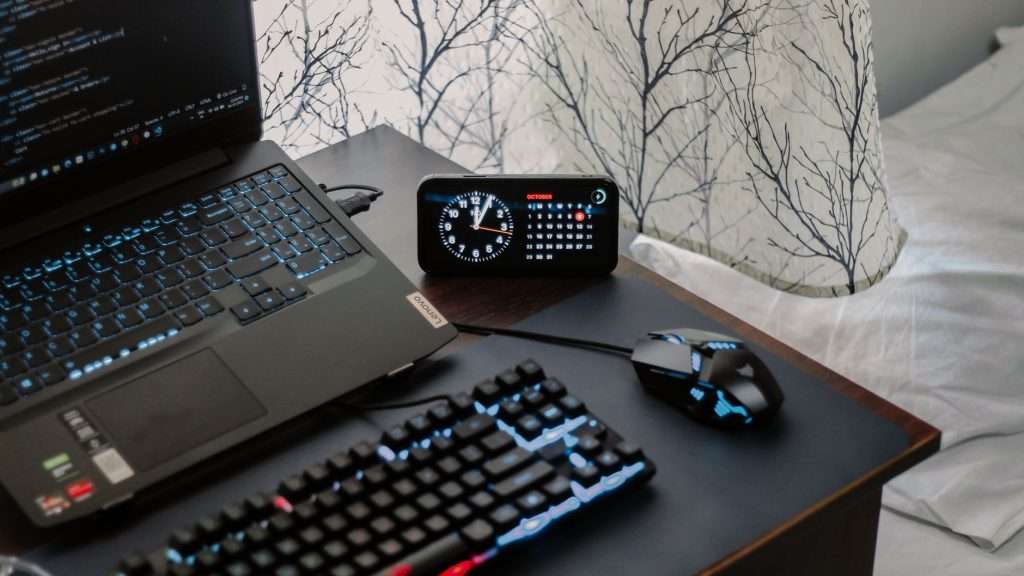
Fixing laptop stutters is possible when standard graphics tweaks fail to stop sudden frame drops. Using Claude Code to troubleshoot a stuttering gaming laptop helped an HP Omen Transcend 14 owner resolve performance drops in FC27 by analyzing system logs and configuration files simultaneously (MakeUseOf). This experiment demonstrates how artificial intelligence can identify non-graphical bottlenecks, affecting PC gamers who struggle with unexplained frame drops caused by complex system-level conflicts.
Many users struggle because modern hardware involves intricate layers of software and firmware. For example, similar hardware performance challenges often require looking beyond basic upgrades, much like evaluating whether hardware investments like older GPUs still hold value compared to newer portable gaming systems. However, software configuration is frequently the real culprit behind sudden stuttering.
Why fixing laptop stutters requires log analysis
Claude Code changed traditional troubleshooting by examining overlapping operating system events and game configuration logs simultaneously instead of isolating graphics settings (MakeUseOf). When applied to FC27 on an HP Omen Transcend 14, the AI assistant identified four simultaneous background events: a dropped charger, a background Windows Update, a CPU reaching 105 degrees Celsius, and uncapped frame rates. Therefore, users gain a complete overview of hidden performance drains.
Analysis: A side-by-side comparison of the troubleshooting approach shows distinct differences between traditional manual methods and AI-assisted diagnosis.
| Troubleshooting Method | Primary Focus | Handling of Background Events |
|---|---|---|
| Manual Adjustment | Changing in-game graphics presets | Ignores background updates and thermal throttling |
| Claude Code Assistant | Correlating system logs with settings | Identifies power cuts, updates, and thermal peaks |
Who is affected by performance issues?
Gamers running demanding titles on modern laptops often encounter hidden thermal and power conflicts that standard in-game graphics presets fail to address. Background tasks like operating system updates and manufacturer power profile mismatches routinely trigger frame drops that appear to be graphics card failures but actually originate elsewhere in the system architecture. Consequently, many players mistakenly replace hardware components when software coordination would suffice. In addition, players often upgrade parts like RAM, though laptop RAM upgrade costs have risen significantly.
What does fixing laptop stutters mean for readers?
Readers facing similar stuttering issues must look beyond basic video options and coordinate hardware manufacturer utilities with game-specific configuration files. Before applying edits, users must back up configuration files. Achieving stability often requires aligning the manufacturer’s performance mode with Windows power plans to prevent the system from leaving compute and thermal performance on the table. Also, maintaining proper airflow keeps temperatures low.
What is still unknown about AI tools?
It remains unproven whether individual configuration edits contributed equally to the performance improvements or if the results stem from simultaneous variable changes. Furthermore, the long-term reliability of AI-generated configuration edits across titles heavily modified with external tools, such as the Custom Shaders Patch for Assetto Corsa, requires additional testing on diverse system configurations. Researchers at institutions like Wikipedia continue to catalog various hardware configurations and their baseline performance metrics.
Frequently asked questions about fixing laptop stutters
Can Claude Code modify game files safely?
Claude Code backs up configuration files like fcsetup.ini before applying modifications, allowing users to restore original settings if errors occur during the troubleshooting process.
Does changing Windows power plans fix laptop throttling?
Setting Windows to high performance is insufficient if manufacturer utilities remain in power-saving modes, as those manufacturer tools operate with different and often more restrictive thermal and compute limits.
Will AI troubleshooting improve all PC games?
AI assistants help diagnose system log overlaps, but heavily modded games require manual file adjustments that automated tools cannot fully interpret or optimize on their own.
How do background updates impact frame rates?
Background tasks consume critical CPU cycles and memory bandwidth, which directly causes sudden frame drops and stutters during demanding gaming sessions.
Are hardware upgrades always necessary for smooth gameplay?
Hardware upgrades are rarely necessary when software bottlenecks, background updates, and thermal throttling are the primary causes of poor game performance.
What impact will this Artificial Intelligence development have over the next 12 months?
Reader poll (non-scientific). Share your perspective below or join the discussion in the comments.