
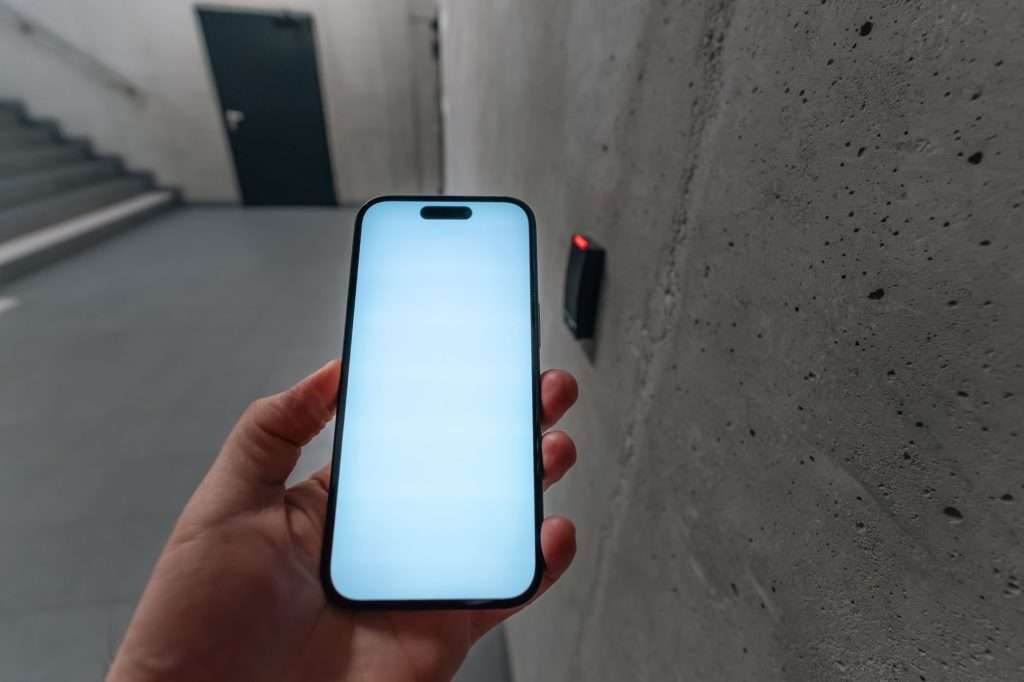
In today’s fast-evolving landscape, understanding How Nfc Tags is essential. BLUF: NFC tags home automation let you trigger complex phone actions with a single tap, saving minutes each day without needing Wi‑Fi or voice commands.
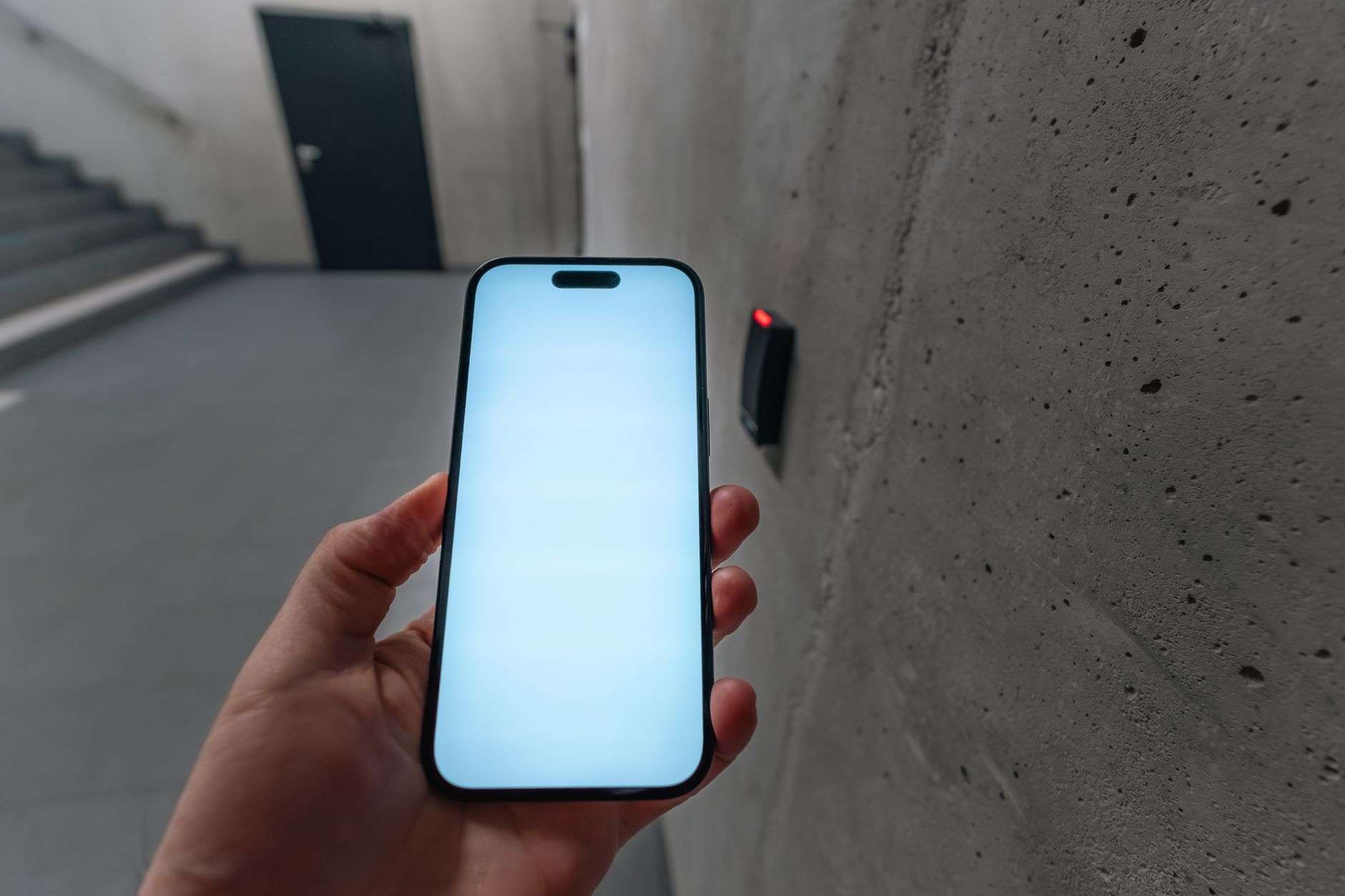
How Nfc Tags: How do NFC tags home automation work?
When a smartphone touches an NFC tag, the tag sends a tiny data packet that launches a pre‑programmed shortcut stored on the device. For example, tapping a tag by the bedside can dim lights, start a sleep‑tracking app, and silence notifications—all instantly. Because the tag itself is passive, the process works offline and requires no internet connection.
Many users struggle with repetitive menus, but these physical stickers remove that friction. Furthermore, they provide a reliable, tactile alternative to voice assistants. You can place them anywhere in your house to change settings immediately.
What practical benefits do NFC tags home automation offer?
Placing NFC tags in high‑traffic spots reduces the mental load of remembering multiple steps throughout your day. A tag in the kitchen can keep the screen awake, open a recipe timer, and mute calls while you cook. Similarly, a tag near a home gym can switch the phone to workout mode, launch a fitness app, and block social alerts. In addition, these tags are inexpensive, reusable, and work across both iOS and Android devices seamlessly.
While voice assistants are common, NFC tags provide a more tactile and private alternative for managing smart homes. The following table compares common automation methods:
| Method | Reliability | Environment | User Effort |
|---|---|---|---|
| Voice Assistant | Variable | Requires Wi-Fi/Internet | High (verbal) |
| NFC Tag | High | Offline/Localized | Low (physical tap) |
| App Navigation | High | Screen-dependent | High (manual) |
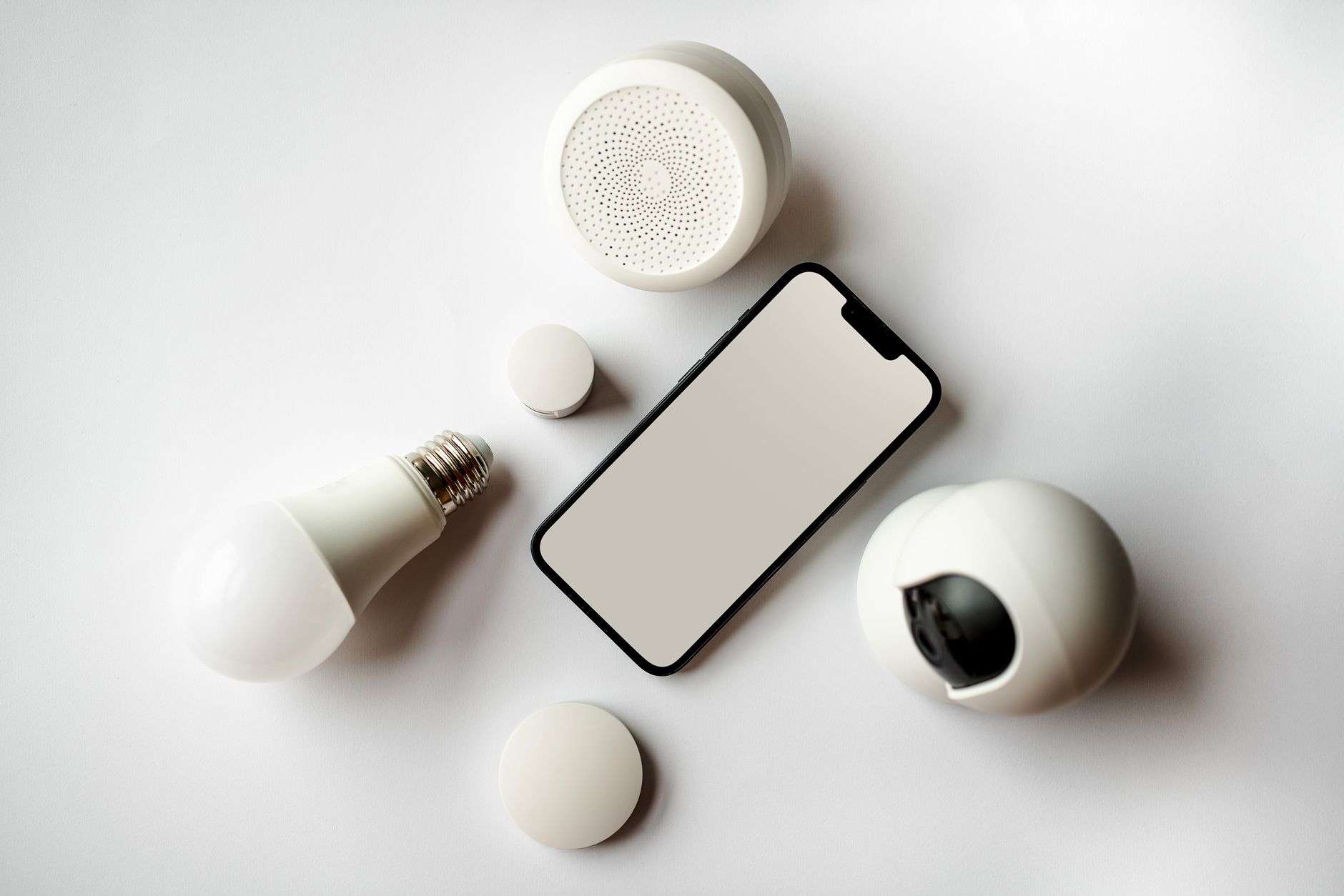
Beyond simple settings, tags can streamline specialized tasks like cooking or exercise. Placing a tag near kitchen appliances keeps your screen active and launches timers instantly. For more inspiration on smart home gear, check out our hands‑on look at the Ring AI drone camera, which demonstrates modern automation. If you enjoy DIY solutions, the 3D printer household fixes article shows how to print custom tag housings. You can also explore how to improve productivity using Android Auto at your desk for workflow ideas.
How to set up NFC tags home automation?
First, ensure your phone’s NFC feature is enabled in the settings menu. Then download an automation app such as Apple Shortcuts or a reputable Android NFC writer. Next, create a shortcut that includes every action you want—adjusting smart lights, playing music, or sending a text. Finally, hold the phone over the blank tag and press write. The process takes under five minutes for most beginners.
For a visual guide, see our related hardware coverage, which demonstrates similar tap‑to‑activate concepts. If you enjoy building things, custom enclosures keep your stickers safe from wear and tear. Always test your shortcuts thoroughly before sticking the tags to permanent surfaces.
What are the limitations of NFC tags home automation?
Although reliable, NFC tags depend heavily on the phone’s internal NFC reader and the stability of the shortcut engine. Firmware updates may occasionally change background permissions, potentially breaking existing tags. Moreover, adhesive tags can lose stickiness on glossy or uneven surfaces, requiring periodic replacement. Finally, because anyone with a compatible phone can trigger the tag, sensitive actions should be protected with additional authentication steps.
Furthermore, evidence suggests high success rates for home automation, but users must consider security implications. Since a tag executes the programmed command for anyone within range, confidential automations should require manual confirmation. For deeper technical background, refer to the Wikipedia article on Near‑field communication. Additionally, official software documentation offers best‑practice tips for developers.
Frequently asked questions
Can NFC tags be used without an internet connection?
Yes. NFC tags store data locally, so the shortcut runs entirely on the phone without needing online services.
Are NFC tags difficult to set up for beginners?
No. The process involves enabling NFC, creating a shortcut, and writing it to the tag—typically completed in a few minutes.
Can a single NFC tag perform multiple actions at once?
Absolutely. One tag can launch a music playlist, adjust a thermostat, and enable Do Not Disturb simultaneously.
Is NFC safe for privacy?
Because tags are passive, they cannot read data from the phone; however, anyone who scans the tag can activate the programmed routine. Use password‑protected shortcuts for confidential tasks.
What impact will this Guides & Explainers development have over the next 12 months?
Reader poll (non-scientific). Share your perspective below or join the discussion in the comments.