In today’s fast-evolving landscape, understanding How Autowear Lets is essential. Using AutoWear, Android users can now let a Galaxy Watch control a phone even when the screen is locked, bridging the gap between wearable devices and mobile automation. This capability affects owners of Wear OS devices who want to expand their smartwatch functionality beyond basic fitness tracking. It matters because it brings advanced automation directly to the wrist as reported by How-To Geek.
Before exploring these new settings, many tech enthusiasts also evaluate digital habits and productivity tools. For example, you can read more about breaking the loop and managing digital habit loops to optimize your daily screen time. Therefore, combining smart automation with mindful device usage helps create a balanced digital lifestyle. Furthermore, readers frequently check updates regarding initial platform announcements and introductory posts to understand system baselines.
How Autowear Lets: How does AutoWear let your Galaxy Watch control a phone?
The AutoWear plugin expands the legendary Tasker app ecosystem to integrate Wear OS smartwatches like the Pixel Watch and Galaxy Watch. Automation options for Wear OS devices have historically remained quite slim for everyday users. Because the developer updated this plugin, users can now trigger complex phone actions directly from a wearable device.
AutoWear pulls the smartwatch directly into Tasker automations. This integration makes it possible to trigger complex phone actions directly from a wearable device. Users build custom screens, watch face complications, and Tiles that execute commands on a host smartphone. The software requires a paid unlock after a seven-day trial period according to How-To Geek.
Who is affected by this integration?
Android enthusiasts who already rely on Tasker find an immediate use case for the companion plugin. Galaxy Watch and Pixel Watch owners looking for deep customization options also benefit from the integration. In addition, developers often review corporate compliance and executive background checks in the semiconductor industry when building robust mobile software ecosystems as seen in industry compliance reports.
People who keep their phones on silent mode while wearing a watch automate sound profiles based on device state. For example, users configure an automation to change phone audio modes when a smartwatch rests on its charger. This setup ensures notifications sound audibly only when the wearable leaves the wrist.
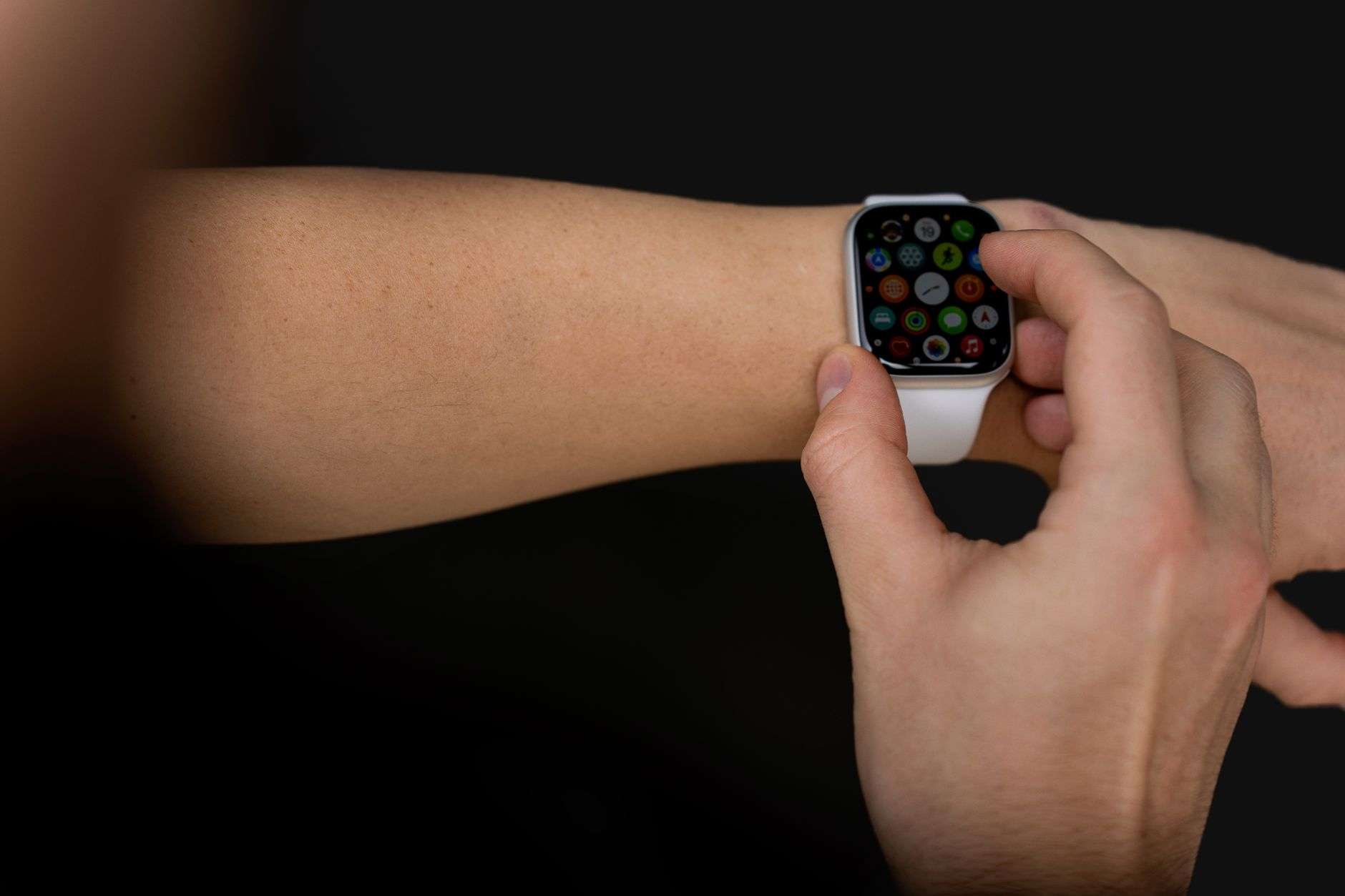
What does it mean for readers?
Readers face a practical decision regarding whether the complexity and cost of the tool fit their daily routine. Tasker remains famously complicated because it uses non-traditional structures instead of standard if-this-then-that triggers. Furthermore, understanding the ergonomics evolution of augmented reality glasses helps put wearable tech trends into a broader perspective detailed in this AR ergonomics overview.
| Feature | Standard Automation | AutoWear Integration |
|---|---|---|
| Structure | If this, then that | Profiles, Tasks, and Conditions |
| Pricing | Varies widely | Free 7-day trial, then $1.57 |
| Primary Focus | Smart home and apps | Wearable device states |
Analysis shows that while the financial barrier stays low at just over one dollar, the steep learning curve of Tasker requires users to invest significant time to configure custom watch controls and triggers effectively.
What is still unknown about the update?
Compatibility limits across various custom smartphone skins and older Wear OS versions remain entirely unspecified. Long-term battery impact on both the watch and the connected phone lacks official quantification in available publisher reports. Developers also have not detailed whether future updates will support additional third-party health or productivity apps.
Frequently Asked Questions
Is AutoWear free to use?
No, AutoWear is not free. Users test the app during a seven-day trial period, after which a fee of $1.57 unlocks continued access to the plugin features.
What watches are supported?
The AutoWear plugin specifically supports Wear OS devices. Mentioned compatible hardware includes popular smartwatches such as the Google Pixel Watch and the Samsung Galaxy Watch series.
Do I need Tasker to use AutoWear?
Yes, AutoWear functions strictly as a plugin for Tasker. Familiarity with Tasker terminology like Profiles and Tasks helps users build advanced custom automations for connected devices.
Can your Galaxy Watch control a phone when locked?
Yes, this specific plugin lets your Galaxy Watch control a phone even when the screen is locked, provided you configure the correct Tasker profiles.
Where can users find more technical background?
Enthusiasts often explore broader tech analysis, such as understanding corporate leadership and market investigations, to track modern software ecosystems.
What impact will this Android & Google development have over the next 12 months?
Reader poll (non-scientific). Share your perspective below or join the discussion in the comments.