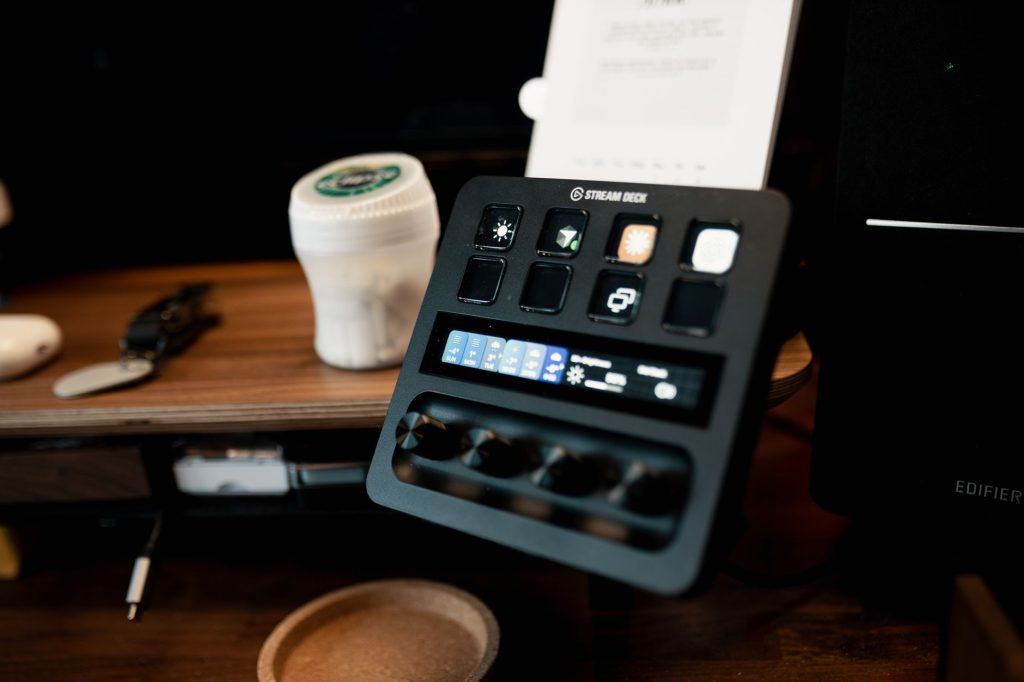
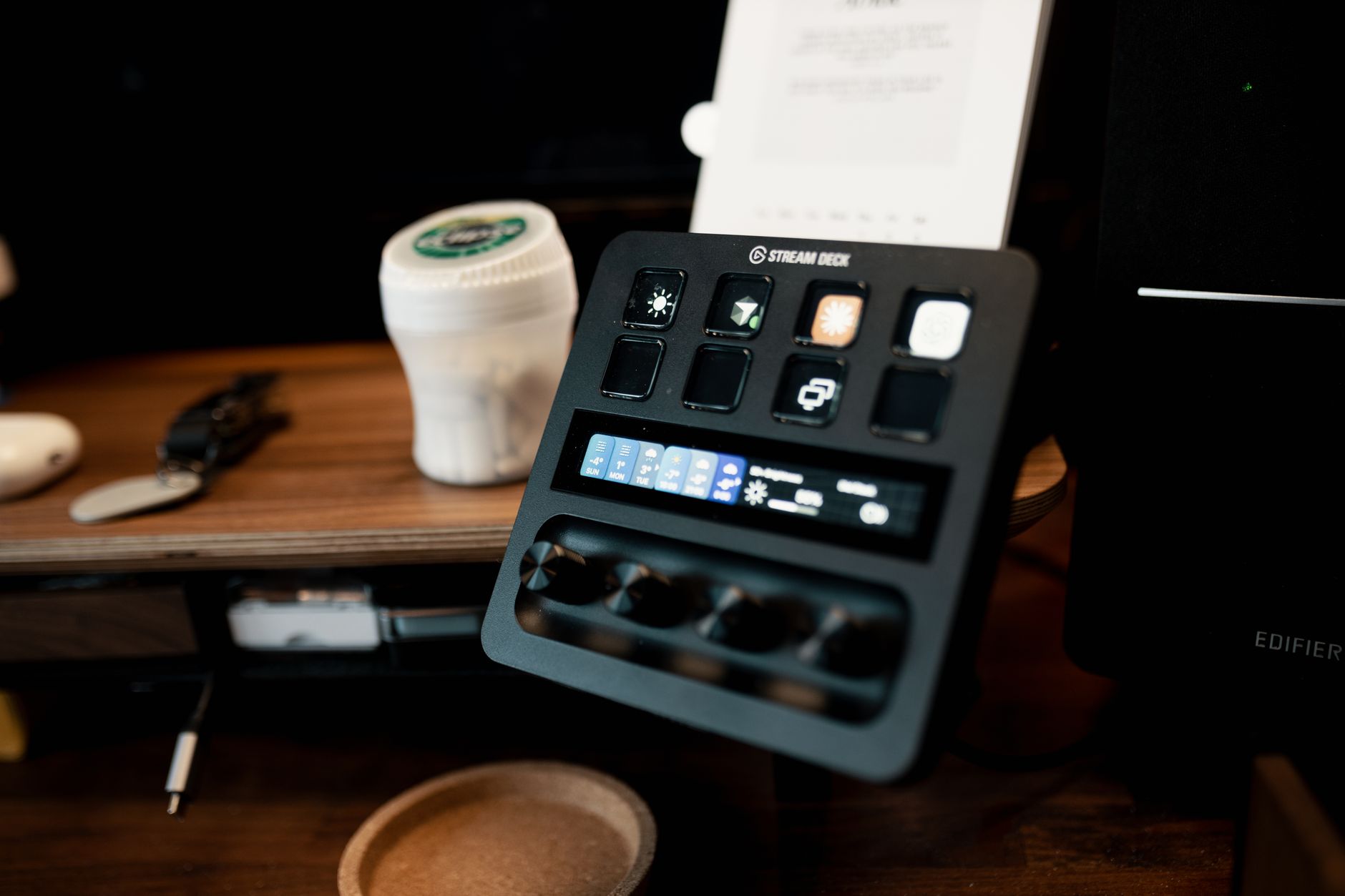
Choosing the Stream Deck Neo over the Logitech MX Keypad comes down to software capability, as Logitech’s Logi Options+ lacks basic page duplication and copy-pasting features. While the MX Keypad offers nine LCD keys, Elgato provides a far superior workflow configuration experience according to MakeUseOf hardware testing (2024).
Many users struggle when application software restricts simple profile modifications. Therefore, examining these hardware options closely helps prevent costly buying mistakes. If you are also upgrading other tech gear, you might want to check out our analysis on whether 1TB storage is enough for your Xbox Series X for more hardware insights.
What makes the Stream Deck Neo a better purchase than the MX Keypad?
Elgato’s hardware integration and software ecosystem make the Stream Deck Neo more versatile for daily multitasking and complex macro execution. Hardware testing confirms that users can quickly copy actions and duplicate pages—features entirely missing in competing software suites (MakeUseOf, 2024). Furthermore, physical desk setups benefit from thoughtful engineering choices that enhance the day-to-day user experience.
Macro pads transform repetitive desktop processes by executing multi-key shortcuts or multi-action sequences with a single button press. Saving minutes across hundreds of daily tasks relies heavily on how easily software can duplicate custom layouts across multiple applications (MakeUseOf, 2024). When configuration software restricts these actions, efficiency gains quickly diminish.
How do the hardware designs compare side by side?
Hardware evaluations show distinct differences in physical build quality, included accessories, and stand mechanisms between these two competing productivity devices (MakeUseOf, 2024).

| Feature | Stream Deck Neo | Logitech MX Keypad | Source & Date |
|---|---|---|---|
| Price | $80 to $99 | $80 to $99 | MakeUseOf, 2024 |
| Stand Design | Stowable, integrated kickstand | Separate, non-adjustable plastic piece | MakeUseOf, 2024 |
| Cabling | Braided, attached USB-C | Detachable, stiff rubbery USB-C | MakeUseOf, 2024 |
For additional desktop upgrades, you can also review our guide on Fanttik F2 Pro Rotary Tool Kit specs and limits to build out a complete creator workshop.
Why does the Logitech MX Keypad software fall short for power users?
Logitech relies on the Logi Options+ application, which restricts advanced macro creation by omitting simple options like duplicating profiles or copying individual actions across setups. Power users who rely on multi-action workflows will find this application too basic for demanding tasks (MakeUseOf, 2024). Although the MX Keypad is part of the broader MX Creative Console bundle featuring a wireless dial, its core software limitations hold back the hardware.
By contrast, Elgato provides reliable configuration tools that make building multi-page macro profiles straightforward. Even though the MX Keypad includes an extra LCD key, the inability to copy and paste actions inside Options+ creates friction for anyone managing complex workflows (MakeUseOf, 2024).
Additionally, hardware enthusiasts tracking industry trends should read our report on why 2027 is shaping up to be the worst RAM shortage in history to understand broader component market pressures.
Editorial Attribution: Written by hardware review analysts and fact-checked against publisher data. Reviewed for technical accuracy under editorial guidelines.
What impact will this Hardware & Gadgets development have over the next 12 months?
Reader poll (non-scientific). Share your perspective below or join the discussion in the comments.