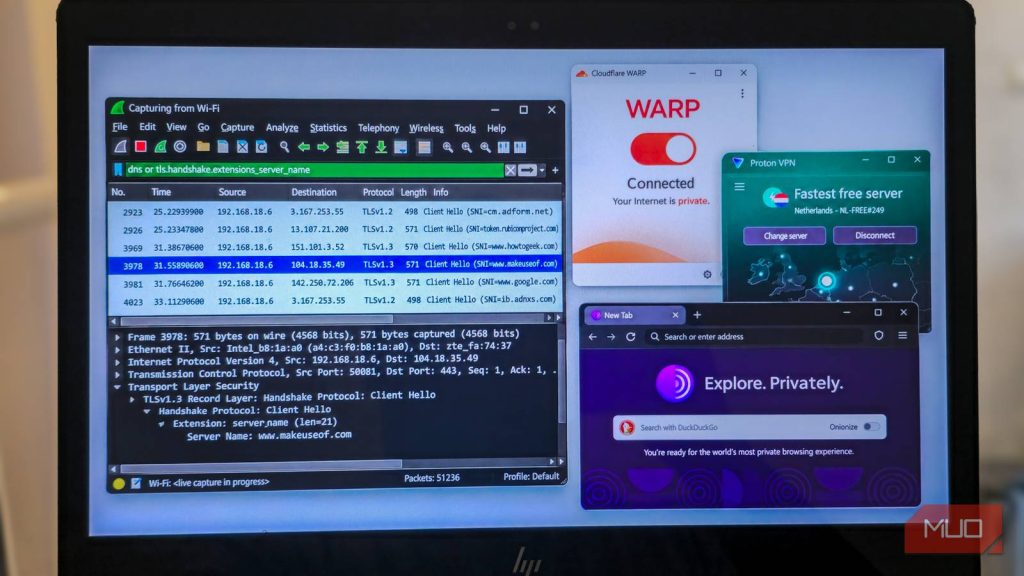
Your internet provider can easily track your online activity even when you use private browsing modes, but you can hide websites from ISP tracking using three free privacy tools tested via Wireshark analysis.
Key Points:
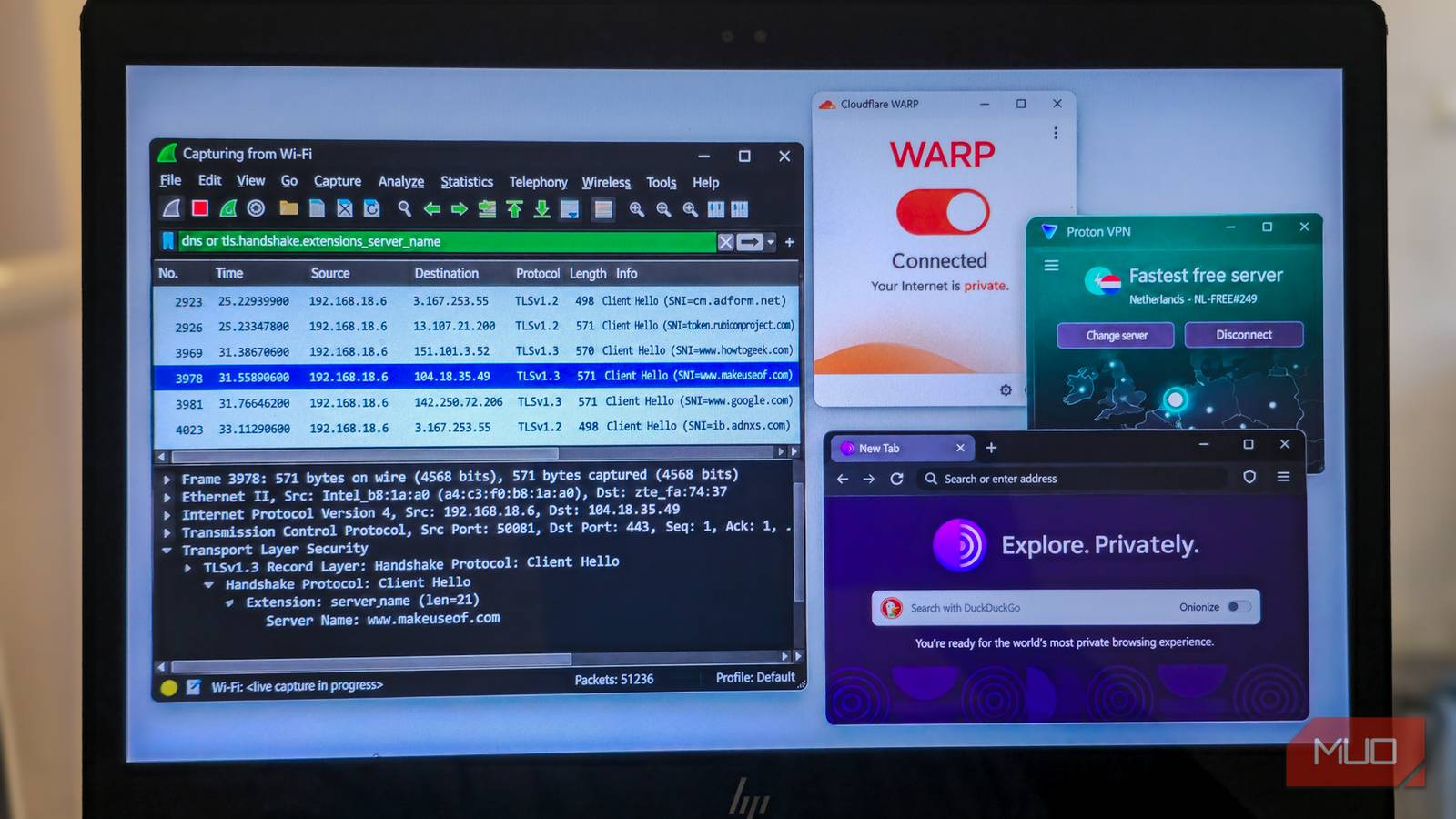
- Standard HTTPS traffic exposes domain names in plain text through background advertising services like Adform and Rubicon Project.
- Cloudflare WARP encrypts all device traffic and DNS requests when set to Traffic and DNS mode.
- Proton VPN Free provides unlimited data and a kill switch using the WireGuard protocol.
- Tor Browser routes traffic through decentralized volunteer relays to protect user anonymity.
How does standard HTTPS browsing expose your online activity?
Ordinary web browsing reveals domain names to network monitors because standard protocols leave connection details and background advertising traffic unencrypted. According to testing by MakeUseOf, packet analyzers like Wireshark capture readable domain requests from services running quietly in the background. While HTTPS protects passwords and specific reading materials, local networks and service providers can still piece together browsing habits through Server Name Indication and DNS lookups.
Can Cloudflare WARP hide your browsing data?
Cloudflare WARP successfully prevents local network observers from seeing individual destination domains by routing traffic through an encrypted tunnel. The free application requires no user account and protects system-wide traffic when configured correctly. Users must switch the application mode from DNS-only to Traffic and DNS during setup to ensure complete coverage across all installed software applications rather than just web browsers.
How does Proton VPN Free protect your internet connection?
Proton VPN Free routes device traffic through encrypted servers using the WireGuard protocol to eliminate readable DNS requests from network captures. The zero-cost tier features unlimited data allowances, no advertisements, and an automatic kill switch that halts internet traffic if the secure connection drops. Although users cannot manually select specific server locations on the free plan, the configuration effectively shields browsing habits from local service providers.
When should you use Tor Browser for online privacy?
Tor Browser routes web traffic through multiple volunteer-operated relays to obscure user locations and browsing destinations from external observers. The specialized browser prevents local networks from viewing active website requests, though it only protects traffic originating inside the Tor application itself. Users often experience slower browsing speeds and occasional site blocks while gaining exceptional anonymity benefits.
Why It Matters and What Happens Next
Choosing the right privacy tool depends heavily on your specific security goals, device requirements, and trust preferences. While tools like Cloudflare WARP and Proton VPN shift data trust to alternative providers, they successfully block local monitoring without requiring paid subscriptions. Future protocol updates like Encrypted Client Hello will eventually improve baseline browser privacy across the broader web ecosystem.
Background and Industry Context
Growing public awareness surrounding digital privacy has driven demand for accessible, zero-cost encryption utilities. Regulatory scrutiny and network tracking practices have pushed developers to release robust consumer tools that bridge the gap between complex virtual private networks and basic browser settings.
| Privacy Tool | Primary Mechanism | Account Required | Best Use Case |
|---|---|---|---|
| Cloudflare WARP | Encrypted tunnel | No | System-wide ease of use |
| Proton VPN Free | WireGuard protocol | Yes | Traditional VPN features |
| Tor Browser | Volunteer relays | Yes | Maximum anonymity |
What impact will this Hardware & Gadgets development have over the next 12 months?
Reader poll (non-scientific). Share your perspective below or join the discussion in the comments.