

In today’s fast-evolving landscape, understanding Adobe Max Updates is essential. Adobe Firefly AI has just rolled out new object removal tools in Photoshop, Lightroom, and Premiere, making editors’ workflows faster and more intuitive.
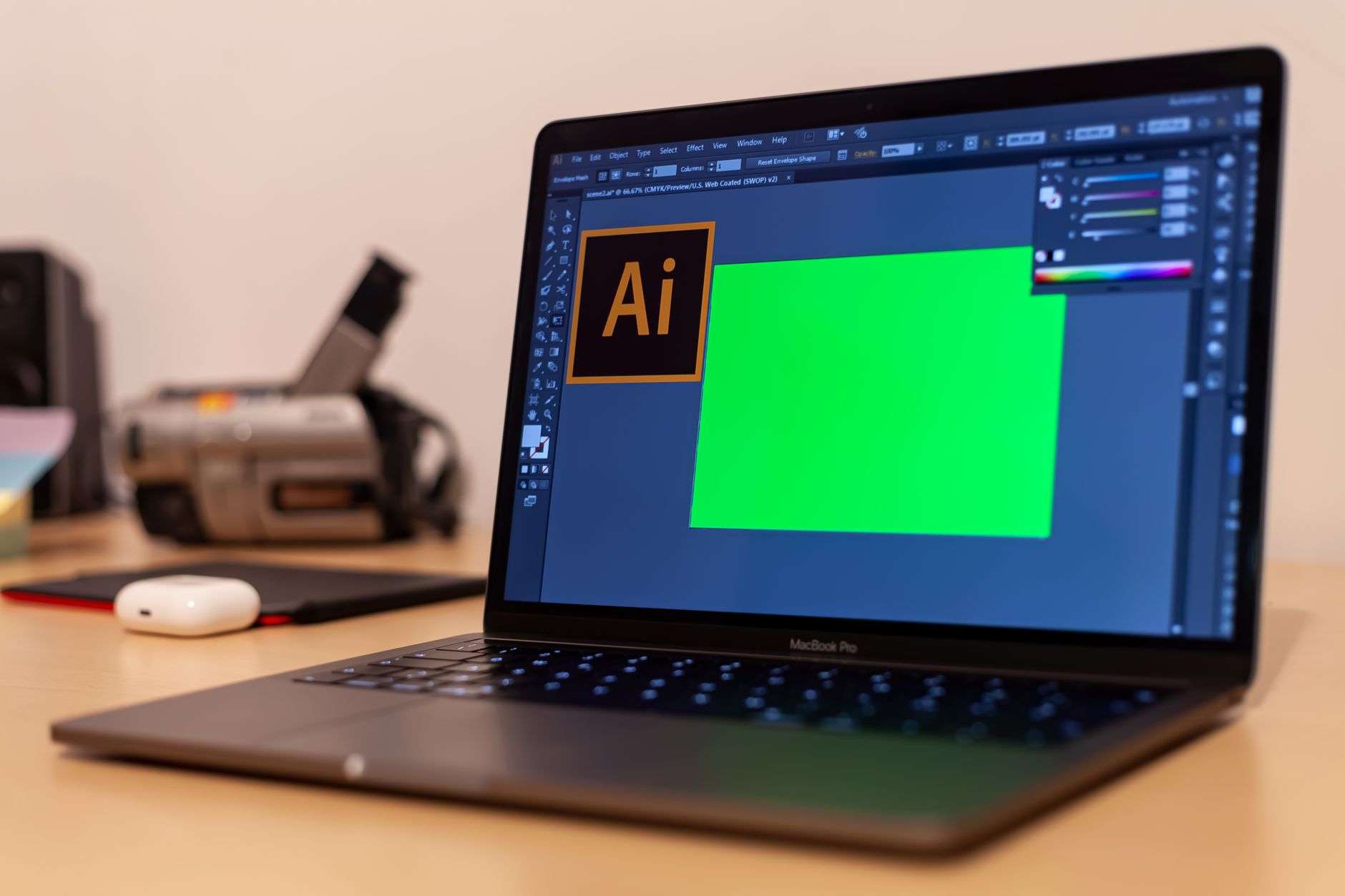
Adobe Max Updates: What Changed in Adobe Firefly AI?
Moreover, these updates expand the Firefly AI platform, letting users automatically erase background objects, blemishes, and other visual distractions with a single click. For example, users can select an area, and Firefly AI intelligently fills the region with plausible content, matching color, lighting, and texture.
Practical Implications for Video and Photo Editors
The new tools are built on the same transformer architecture that powers Adobe’s generative image models, allowing the system to understand context and semantics. For example, users can select an area, and Firefly AI intelligently fills the region with plausible content, matching color, lighting, and texture.
For professional creators, Adobe Firefly AI also offers a quick fill feature, meaning fewer hours spent on manual masking and more time on storytelling and color grading. Hobbyists gain access to advanced workflows that previously required specialized training, allowing them to experiment with more complex edits.
Uncertainties and Next Steps
While the new features promise speed, Adobe has yet to release detailed performance benchmarks or system requirements for the AI models. Users will need to monitor official patch notes for GPU acceleration guidelines and licensing changes. Industry analysts compare Adobe Firefly AI’s capabilities to Google’s Gemini 4 Carbon, noting similar AI‑driven design workflows.
Additionally, Adobe plans to integrate these features into the Creative Cloud Express suite, which could make advanced object removal accessible to a broader audience. However, the company has not yet confirmed whether the free tier will include the full AI toolkit.
Frequently Asked Questions
Below are common questions from editors and hobbyists.
Which Adobe apps are receiving the new removal updates?
Adobe announced these features for Photoshop, Lightroom, and Premiere as part of the broader Creative Cloud and Firefly AI updates.
Are the Adobe Firefly AI removal tools fully automated?
Yes, the updates feature automated removal for background objects and blemishes, though complex scenes may still require minor manual adjustments.
When will these features be available to all users?
Exact release dates and deployment schedules were not fully detailed in the initial event announcements, so users should monitor Adobe’s official release notes.
Do I need specialized hardware to run Adobe Firefly AI?
While Adobe has not released strict hardware requirements yet, running advanced Firefly AI models typically benefits from dedicated GPU acceleration.
If you’re new to Firefly AI, start with simple removal tasks and gradually explore more complex scenarios to gauge performance.
For more information, see the official Adobe documentation on Firefly AI or the Wikipedia entry on the technology.
As AI continues to evolve, Adobe Firefly AI’s object removal tools will likely become more robust, offering editors unprecedented flexibility and speed.
What impact will this Artificial Intelligence development have over the next 12 months?
Reader poll (non-scientific). Share your perspective below or join the discussion in the comments.